Your first purchase
About 10 minutes the first time. After that, a purchase takes a minute.
- 1
Get a wallet
Install one of these free apps and write down your seed phrase on paper. Never share it with anyone.
- 2
Get EPIC
Gig21 does not sell EPIC. buyepiccash.com explains how to get it. It is an independent site, not run by Gig21. Send the EPIC to your own wallet.
- 3
Find what you need and order
Browse, read the reviews, and message the seller if you have questions. Create a free account (no email needed) and tap "Order now".
- 4
Pay the seller
Your order page shows a QR code. In your wallet, tap Send and scan it: the amount and the order code fill in by themselves. Check the address, then send.
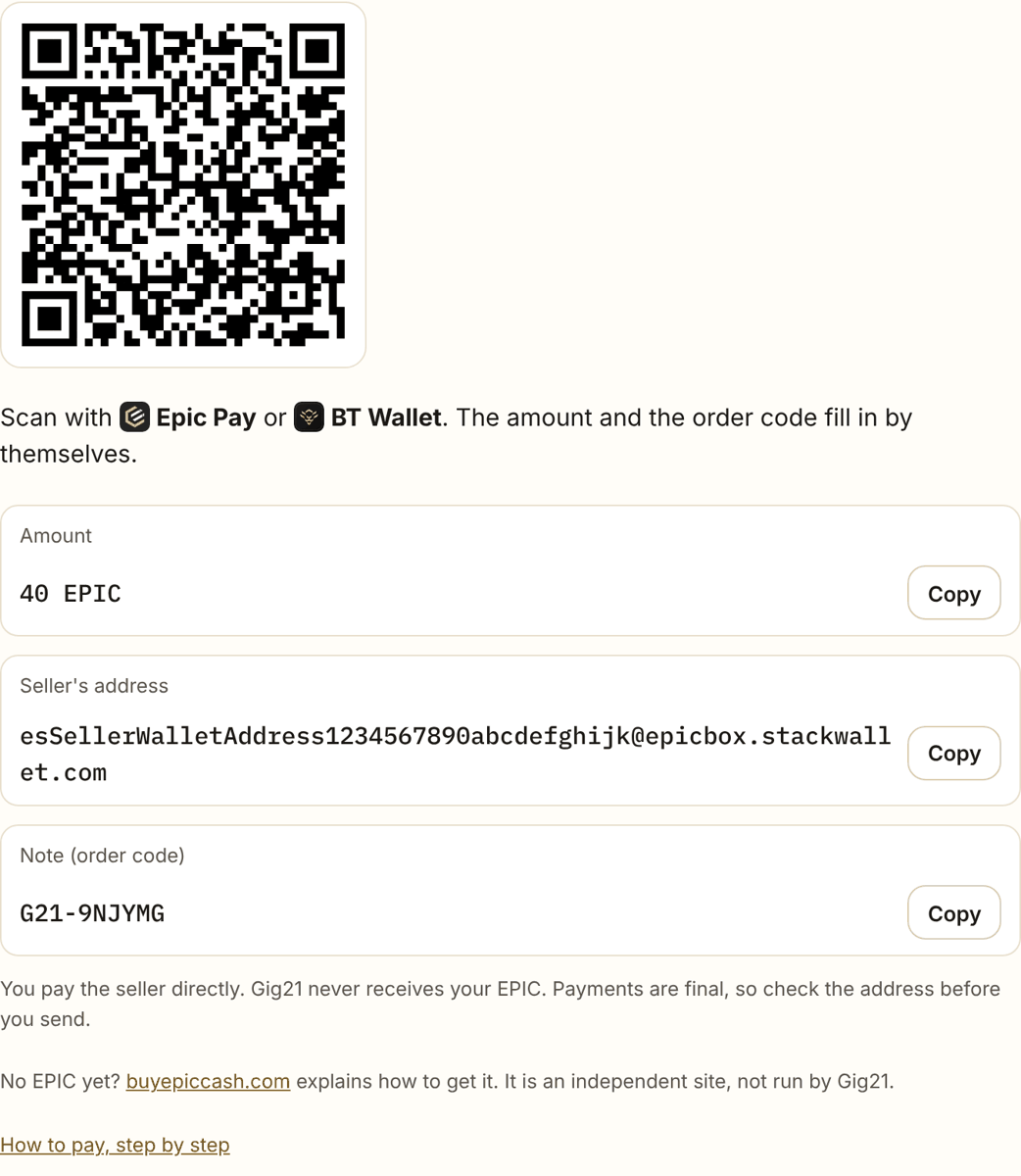
Payments are final. Send exactly the amount shown, and only to the address on your order page.
- 5
Tap "I have paid"
The seller checks their wallet and confirms. Files unlock right away, or the work starts.
- 6
Get updates on Telegram (optional)
Connect Telegram on your account page. The Gig21 bot tells you each step and has buttons, so you do not have to check the site. Connect Telegram
- 7
Confirm and review
When you have everything, tap "I received it" and leave a review. If something goes wrong, message the seller first, then open a dispute from the order page.


Gig21 never asks for your seed phrase, private keys or password, and never asks you to pay anyone outside your order page.